
Registration, verification and account security at Scizino
Opening an account at Scizino Casino gives UK customers access to the site’s full range of services: real-money wagering, fee-free cashier transactions, a Welcome Package worth up to EUR 2,000, the Sportsbook, Rakeback of up to 18% and tournament participation. Registration is restricted to adults aged 18 and over.
The site follows a fundamental international rule: one person, one account. Creating duplicate profiles for the same individual, household address, IP address, mobile device or bank card is strictly prohibited. If duplicate accounts are detected, all linked profiles are immediately blocked and winnings are voided.
Registration options and form fields
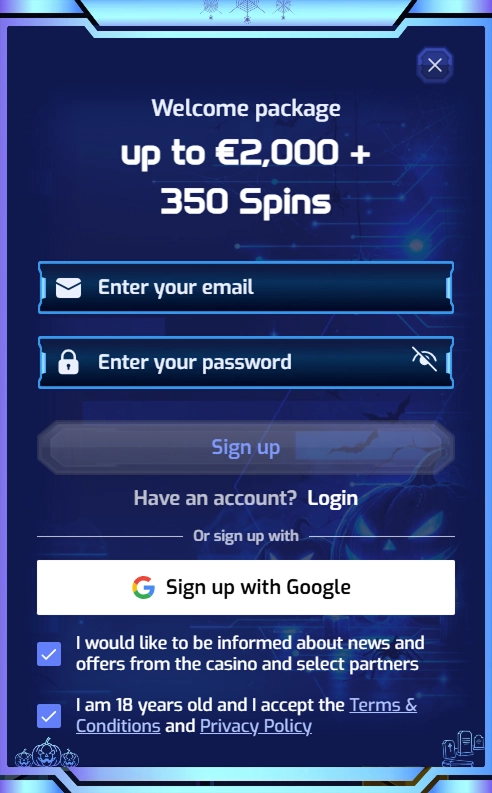
Account creation has been streamlined into a short, one-step form. Two options are available:
1. Standard registration: enter a valid email address and create a password
2. Google sign-in: sign in instantly with an existing Google account
The registration form does not request unnecessary information at the first stage: first name, surname, residential address, postcode and mobile number are not required. These details are added later in profile settings before verification.
Step-by-step account registration guide
- Visit the official website and select ‘Register’ in the top bar.
- Enter your current personal email address in the first field. This will become your unique login.
- In the second field, create a strong password of at least eight characters, combining upper- and lower-case letters, numbers and special characters.
- Alternatively, select the Google icon to link your account instantly without entering a password manually.
- Tick the boxes confirming that you are at least 18 and agree to the Privacy Policy.
- Submit the form. A verification email containing an activation link will be sent to your address immediately.
- Follow the link in the email to verify your address and unlock access to the cashier.
Important: adding funds remains unavailable until you follow the email activation link. Email is the only official channel for account communications and access recovery.
Signing in and recovering login details
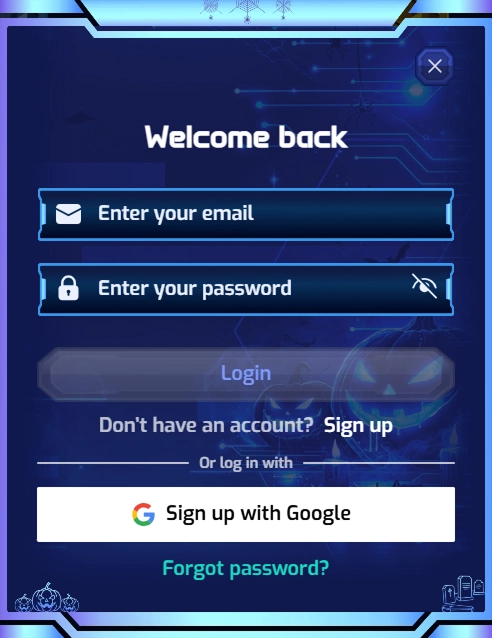
To sign in, select ‘Log In’ and enter your registered email address and password, or use one-click access through your linked Google account.
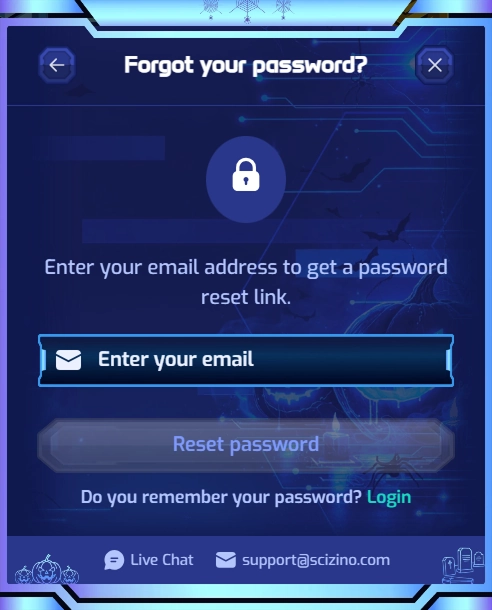
How to reset a forgotten password:
- Select the password recovery link in the login window;
- Enter the email address used to create your account;
- Open the message from the security team and follow the verification link;
- Set a new strong password and save your changes.
The operator does not support password recovery by SMS: email is the sole recovery channel. If you lose access to the linked mailbox, you cannot reset the password yourself. You will need to complete a manual identity check through the 24/7 Live Chat support team.
Identity verification (KYC) before withdrawals
In accordance with international AML standards, identity verification is mandatory before the first withdrawal request can be approved.
Documents are uploaded through the account verification section. Checks take 12–24 working hours. Uploading the files soon after registration helps prevent delays to your first withdrawal.
Key points for customers in the United Kingdom
- English-language interface: the website supports 19 languages, with English as its principal international option, helping UK users understand promotional terms and cashier rules.
- Account currency: the base currency is the euro (EUR). Payments from British sterling cards (GBP) are converted automatically at the bank’s exchange rate. The currency selected for the first payment remains permanently linked to the account.
- One account across devices: a profile created on a computer is identical to the one accessed through a smartphone’s mobile browser.